
101 AI Terms Every Pastor and Church Leader Needs to Know
Sep 26, 2026
People on your team are probably already using AI. Some have questions for you, and a few are hoping you won't ask any questions back.
That puts you in a leadership spot. When your staff says "LLM" or "hallucination" or "agent," you need to know what they mean. It's hard to set a wise policy or model healthy use when the words sound like a foreign language.
This glossary is for pastors and ministry leaders who want plain answers. You don't need a computer science degree. Each term comes with a simple definition and a quick example of how it applies to church life.
Read it straight through or keep it handy as a reference. Then share it with your staff and talk about it at your next team meeting.
Want the whole glossary as a printable PDF? Download the free 21-page guide and keep it handy for your next staff meeting. Get the free PDF guide
Part 1: AI Basics Every Church Leader Should Know
1. Artificial Intelligence (AI)
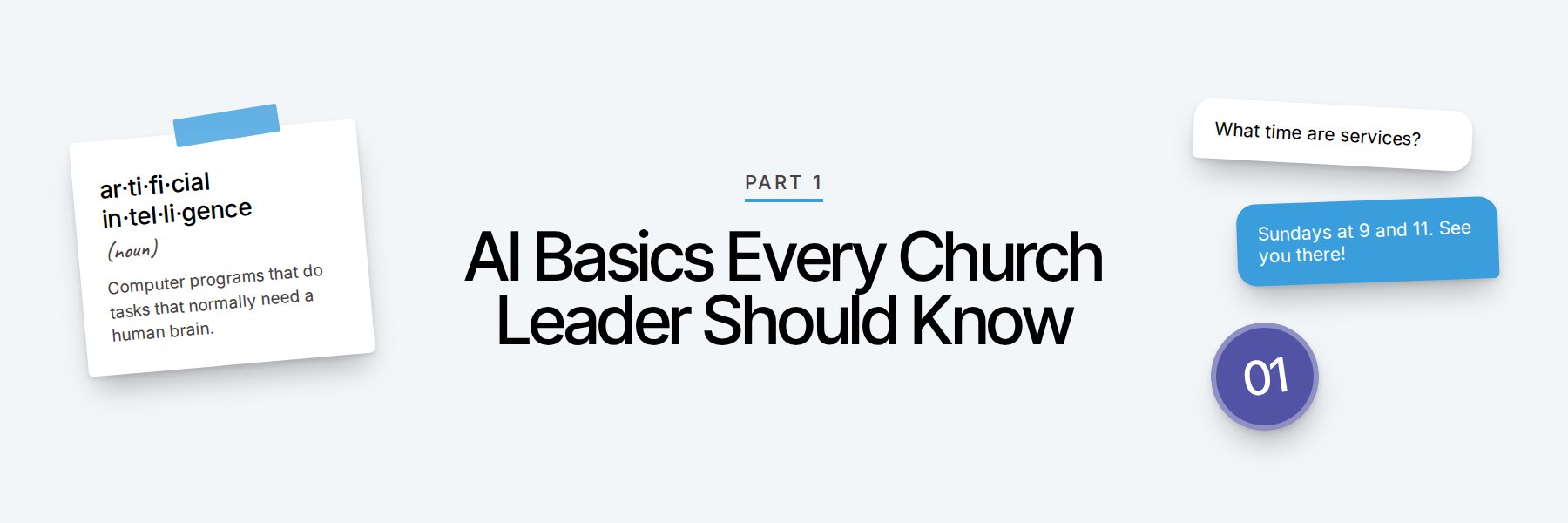
Computer programs that can do tasks that normally need a human brain, like writing, answering questions, recognizing faces, and understanding speech. AI learns to do this by studying huge amounts of examples.
In your ministry: When your phone suggests the next word in a text message, that's a simple form of AI.
2. Algorithm
A set of step-by-step instructions a computer follows to solve a problem or make a decision. Think of it like a recipe. Social media apps use algorithms to decide which posts you see first.
In your ministry: The algorithm on Facebook or Instagram decides how many people see your church's posts.
3. Machine Learning
A type of AI where the computer learns patterns by studying lots of examples. The more good examples it sees, the better it gets at the task.
In your ministry: Your email program learns what spam looks like and moves it out of your inbox. That's machine learning at work.
4. Deep Learning
An advanced kind of machine learning that uses many layers of processing to find very complex patterns. It powers voice assistants, photo recognition, and today's AI chat tools. You don't need to understand how it works to use it.
In your ministry: When your phone's photo app finds every picture of a certain person, deep learning makes that possible.
5. Neural Network
A computer system loosely modeled on how brain cells connect and pass signals to each other. Information flows through layers of connected points until the system reaches an answer. It's the main building block of deep learning.
In your ministry: You'll hear this term in news stories about AI. Just know it's the engine inside most modern AI tools.
6. Generative AI
AI that creates new content. It can write text, make images, compose music, produce video, and copy voices. ChatGPT, Claude, and Gemini are all examples of generative AI.
In your ministry: Asking AI to draft a thank-you note for your volunteers is using generative AI.
7. Large Language Model (LLM)
The type of AI behind tools like ChatGPT, Claude, and Gemini. It has studied a massive amount of written text, so it can read, write, and respond in everyday language. "Large" refers to how much text it learned from and how big the system is.
In your ministry: When someone on your team asks, "Which LLM do you use?" they want to know which AI chat tool you prefer.
8. AI Model
The actual "brain" of an AI tool, built through training. Companies release new models over time, and each one has a name or version number. Newer models are usually smarter, faster, or better at certain tasks.
In your ministry: Many AI tools let you pick a model. A faster model works fine for quick emails. A more advanced one helps with deeper research.
9. Training Data
All the information an AI model learned from. This can include books, websites, articles, computer code, and images. The quality of the training data shapes the quality of the answers.
In your ministry: If an AI tool gives a shallow answer about church history, it may not have learned from many good sources on that topic.
10. Training
The process of teaching an AI model by feeding it huge amounts of data. During training, the model learns patterns in language, facts, and ideas. It takes massive computers a long time to finish.
In your ministry: You won't train a model yourself. You'll use models that tech companies have already trained.
11. Chatbot
A computer program you can have a back-and-forth conversation with by typing or speaking. Older chatbots followed simple scripts. Today's AI chatbots can handle open-ended questions and sound very natural.
In your ministry: A chatbot on your church website could answer "What time are services?" at 11 p.m. on a Saturday.
12. Natural Language Processing (NLP)
The part of AI that helps computers understand and use everyday human language. It's why you can type a question the way you'd say it out loud and still get a useful answer.
In your ministry: NLP is what lets a tool read hundreds of survey comments and sort them by topic.
Part 2: How to Talk to AI (Prompting Terms)
13. Prompt
The instructions or question you type into an AI tool. A prompt can be one sentence or several paragraphs. Better prompts usually get better results.
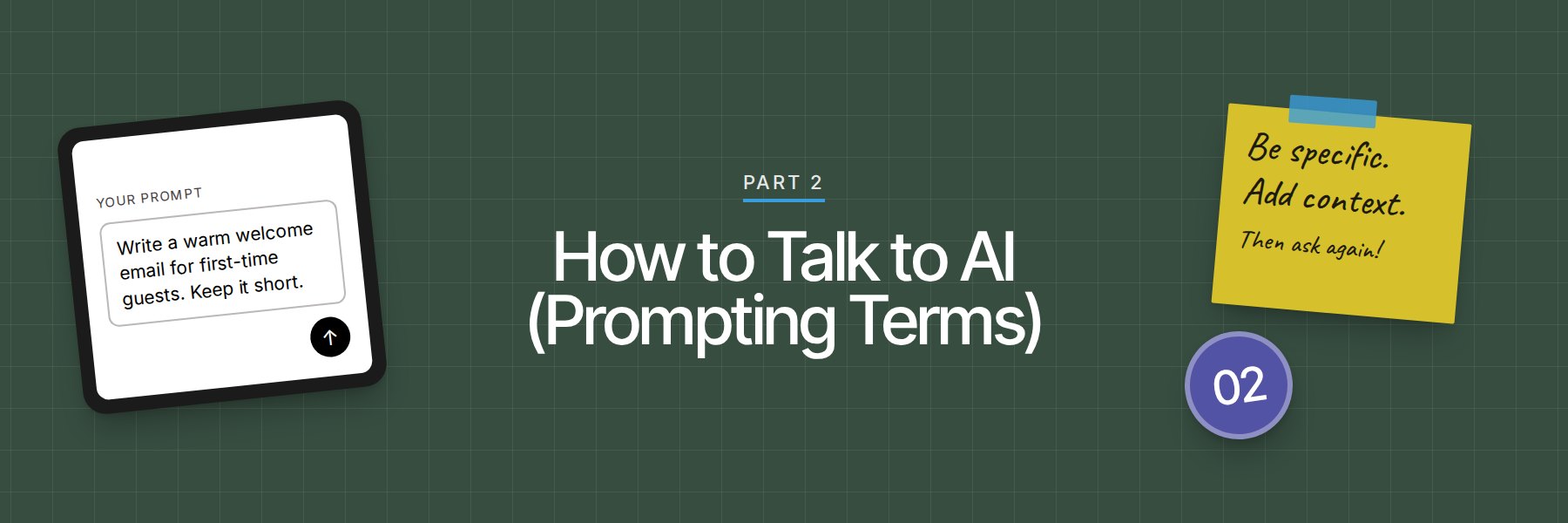
In your ministry: "Write a short welcome email for first-time guests at our church" is a prompt.
14. Prompt Engineering
The skill of writing prompts that get you the results you want. That means clear instructions, background details, examples, and the format you need. Anyone can get good at it.
In your ministry: Adding "Write it for busy parents of young kids" to your request is a simple piece of prompt engineering.
15. Custom Instructions
Settings where you tell an AI tool about yourself and how you want it to respond. You set them up once, and the AI uses them in every conversation. You can include your role, your church, your writing style, and things to avoid.
In your ministry: You could tell the AI, "I'm an executive pastor at a 600-person church. Keep answers short and practical."
16. System Prompt
Behind-the-scenes instructions that shape how an AI tool behaves before you type a word. The people who build the tool write them. Custom instructions work in a similar way for you as a user.
In your ministry: If you build a chatbot for your church website, the system prompt is where you tell it to stay friendly and only answer questions about your church.
17. Context
The background information you give AI so it understands your situation, like who you are, who you're writing for, and what you need. More useful context leads to less generic answers.
In your ministry: "Our church is 80 years old, mostly retirees, and we want to reach young families" is helpful context.
18. Context Window
The amount of information an AI can pay attention to in one conversation. Think of it as the AI's short-term memory. When a conversation gets very long, the AI may start losing track of details from the beginning.
In your ministry: If the AI starts missing earlier details in a long project, start a fresh chat and paste in a short summary.
19. Token
A small chunk of text that AI reads and writes. A token might be a whole word, part of a word, or a punctuation mark. AI companies often measure usage in tokens.
In your ministry: When you see a usage limit in an AI tool, tokens are often part of how that limit gets counted.
20. Zero-Shot Prompt
Asking AI to do a task without giving it any examples first. You just describe what you want. It works well for easy, common tasks.
In your ministry: "Write a birthday message for a church member" is a zero-shot prompt.
21. Few-Shot Prompt
Giving AI a few examples of what you want before asking it to do the task. The examples teach it your style, tone, or format. It's one of the fastest ways to get results that sound like you.
In your ministry: Paste in 3 of your past newsletter intros, then ask AI to write this week's intro in the same style.
22. Role Prompting
Telling AI to take on a specific role or point of view before it answers. This helps it focus its knowledge and tone.
In your ministry: "Act as an experienced children's ministry director and review this volunteer training plan."
23. Chain of Thought
Asking AI to work through a problem step by step before giving a final answer. This often leads to better thinking on hard questions. Some newer AI models do this on their own.
In your ministry: "Think through this step by step: how should we set up our volunteer schedule for 3 Sunday services?"
24. Iteration
Improving an AI answer through follow-up requests. Your first result is a starting point. You ask for changes and add details until it's right.
In your ministry: Asking the AI to make a draft shorter, then warmer, then to add a line about parking is iteration.
25. Output
Whatever the AI gives you back. It could be text, an image, a chart, audio, or a file.
In your ministry: Always review the output before it goes out under your church's name.
26. Temperature
A setting that controls how creative or predictable AI's answers are. Turning it up makes answers more varied and surprising. Most chat tools choose this setting for you, so you'll mainly see it in advanced tools.
In your ministry: A higher temperature can help when you're brainstorming names for a fall outreach event.
Part 3: How AI Works Behind the Scenes
27. Parameters
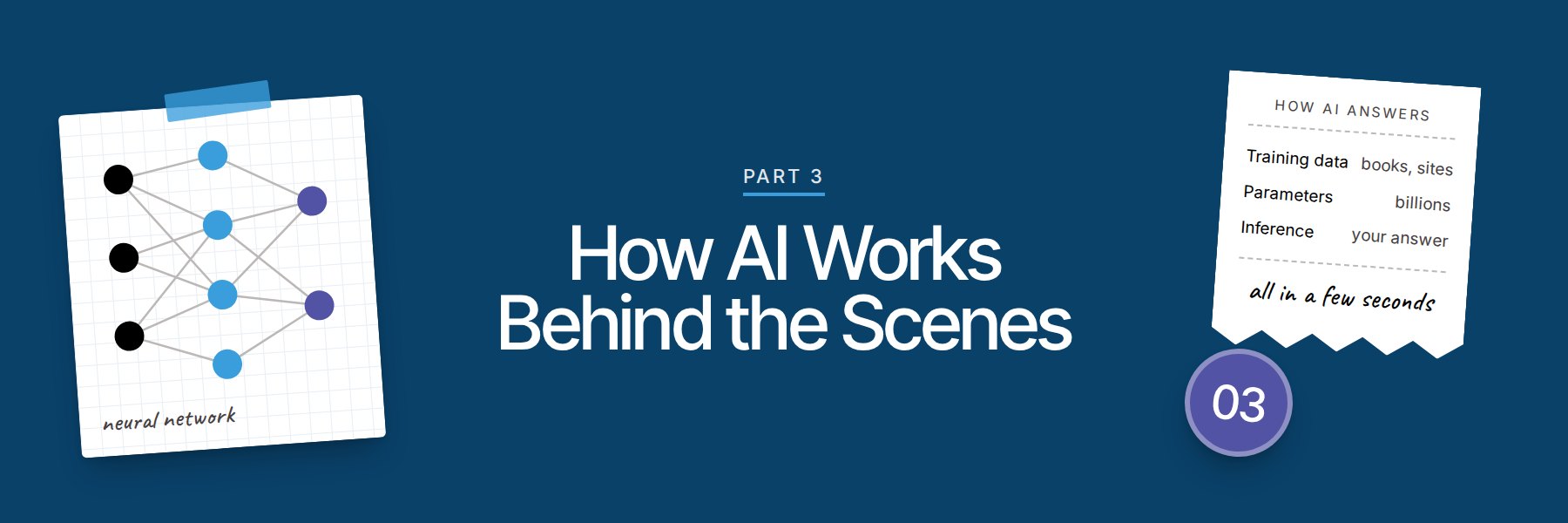
The internal settings an AI model adjusts during training as it learns patterns. Big models have billions of them. Models with more parameters are often more capable.
In your ministry: You'll see parameter counts in AI news headlines. You can safely skip those details.
28. Inference
The moment an AI model uses what it already learned to answer your request. Every time you hit enter on a prompt, the AI runs inference to produce a response.
In your ministry: Inference is what happens in the few seconds between asking and getting an answer.
29. Reasoning Model
An AI model built to take extra time and think through hard problems step by step before answering. It's slower, and it's often better at planning, math, and complex decisions.
In your ministry: Use a reasoning model to work through a budget scenario or a multi-step staffing plan.
30. Prediction
The core of how language AI works. It predicts the most likely next word, over and over, based on patterns it learned. That's how it writes sentences that sound natural.
In your ministry: This is why AI can sound confident and still be wrong. It's predicting what sounds right.
31. Fine-Tuning
Extra training that shapes an existing AI model for a specific job or style. A company might fine-tune a model on medical texts or customer service chats.
In your ministry: A church software company might fine-tune a model so it better understands church words like "small groups" and "connection cards."
32. Knowledge Cutoff
The date when an AI model's training data ends. The model won't know about events after that date unless it can search the web. Always double-check anything time-sensitive.
In your ministry: If you ask about a recent news story and the AI seems confused, it may be past its knowledge cutoff.
33. Multimodal
AI that can work with more than one type of content, like text, images, audio, and video. You can show it a photo and ask a question about it.
In your ministry: Take a photo of your lobby and ask AI for ideas to make it more welcoming to first-time guests.
34. Open-Source Model
An AI model whose inner workings are shared publicly, so anyone can download, use, and change it. Tech teams can run these models on their own computers.
In your ministry: A larger church or ministry with a tech team might run an open-source model to keep sensitive data in-house.
35. Closed Model
An AI model owned by a company that keeps its inner workings private. You use it through the company's app or website. ChatGPT, Claude, and Gemini all run on closed models.
In your ministry: Most church staff will use closed models through everyday apps and websites.
36. Benchmark
A standard test used to compare how well different AI models perform. Companies share benchmark scores when they release new models.
In your ministry: Run your own test too. Try the same prompt in two tools and see which answer serves your team better.

Part 4: Popular AI Tools for Churches
37. ChatGPT
The AI chat tool made by OpenAI. It can write, answer questions, look at files, create images, and search the web. It's one of the most widely used AI tools in the world.
In your ministry: Many church staff start with ChatGPT for emails, announcements, and brainstorming.
38. Claude
The AI assistant made by Anthropic. It's a strong choice for writing, careful reasoning, and working with long documents.
In your ministry: Claude works well for drafting long pieces like policy documents or volunteer training manuals.
39. Gemini
Google's AI assistant. It can connect with Google tools like Gmail, Docs, and Drive.
In your ministry: If your church runs on Google Workspace, Gemini can help you find and summarize files you already have.
40. Microsoft Copilot
Microsoft's AI assistant. Through Microsoft 365 Copilot, it works inside tools like Word, Excel, Outlook, and Teams.
In your ministry: If your office uses Microsoft 365, Copilot can summarize a long email thread or draft a first version of a report.
41. Perplexity
An AI-powered search tool that answers questions and shows the sources it used. That makes it easier to check facts.
In your ministry: Use it when you're researching a topic and need to see where the information came from.
42. Gemini Notebook (formerly NotebookLM)
Google's AI research tool that works from the sources you add, like documents, websites, and videos. It answers questions about your sources and can turn them into audio and video summaries. Google renamed NotebookLM to Gemini Notebook in 2026.
In your ministry: Upload your staff handbook and let new hires ask it questions.
43. Custom GPT (Retiring December 2026)
A personalized version of ChatGPT set up for one specific job, with its own instructions and files. OpenAI is retiring custom GPTs on December 11, 2026. They are being moved into ChatGPT plugins, which bundle reusable instructions, reference files, and connected apps together.
In your ministry: If your team built a custom GPT with your church's style guide, move it to a plugin before December 11. Test it after the move, because OpenAI says a migrated plugin may respond differently.
44. Projects
A feature in tools like ChatGPT and Claude that keeps chats, files, and instructions for one area of work in one place. The AI uses those files and instructions whenever you work inside that project.
In your ministry: Create a project for Easter planning with the schedule, budget, and last year's notes inside.
45. AI Assistant
A general term for any AI tool that helps you get tasks done through conversation. ChatGPT, Claude, Gemini, and Copilot are all AI assistants.
In your ministry: Think of an AI assistant like a helpful intern. It's fast and useful, and it still needs your review.
46. API (Application Programming Interface)
A way for two pieces of software to talk to each other. Developers use APIs to plug AI into other apps and websites.
In your ministry: Your church app developer might use an API to add AI features to your app.
47. AI Web Search
A feature that lets an AI tool look up current information online before answering. It helps with recent events and facts that change often.
In your ministry: Turn on web search when you ask about recent news, current prices, or anything that may have changed lately.
Part 5: AI Terms for Creating Church Content
48. Text-to-Image
AI that creates a picture from a written description. You type what you want, and it makes an image.
In your ministry: Describe "a bright, fun fall festival scene with pumpkins and hay bales" to get artwork for your event flyer.
49. Image Generator
A tool that uses text-to-image AI to create pictures. Many AI chat tools include one, and there are standalone image tools too.
In your ministry: Use an image generator for event flyers, social media graphics, and series artwork.
50. Text-to-Speech
AI that turns written text into spoken audio. Newer AI voices sound very human.
In your ministry: Turn your weekly devotional into audio so members can listen on their commute.
51. Voice Cloning
AI that learns to copy a specific person's voice from a recording. It can then say new things in that voice. Always get clear permission before cloning anyone's voice.
In your ministry: A pastor might clone their own voice to record announcements in other languages. Use it with care and be open with your church about it.
52. AI Video Generation
AI that creates video clips from written prompts or images. The quality keeps improving.
In your ministry: Create a short background video for a worship slide or an event promo.
53. AI Avatar
A digital character, often a realistic human face and body, that speaks words you type. Some avatars are made to look like a real person.
In your ministry: Some ministries use avatars for training videos. Tell viewers when a video uses an AI avatar.
54. Transcription
Turning spoken audio into written text. AI transcription is fast and fairly accurate. Names and Bible references still need a quick check.
In your ministry: Transcribe your Sunday message so your team can turn it into a blog post, email, or discussion guide.
55. Summarization
Asking AI to shrink long content down to the main points.
In your ministry: Paste in a long denominational report and ask for a one-page summary for your elders.
56. Content Repurposing
Taking one piece of content and turning it into many formats. AI makes this much faster.
In your ministry: Turn one Sunday message into social posts, a small group guide, a newsletter article, and short video clips.
57. Translation
AI that changes text or speech from one language to another. It's fast and helpful. Have a fluent speaker review anything important.
In your ministry: Translate your welcome card and first-time guest email for Spanish-speaking families.
58. Live Captioning
AI that shows spoken words as text on screen in real time.
In your ministry: Add live captions to your livestream to serve people who are deaf or hard of hearing.
59. Deepfake
A fake video, image, or audio clip made with AI so it looks or sounds like a real person saying or doing something they never did. Deepfakes can spread lies and hurt reputations.
In your ministry: Scammers can use deepfakes of pastors to ask members for money. Teach your people to double-check any unusual request.
You're halfway through. Want all 101 terms in one file you can print and share with your team? Download the free PDF
Part 6: AI Agents and Automation Terms
60. AI Agent
An AI tool that can take actions for you. You give it a goal, and it works through the steps, like researching, filling out forms, or updating files.
In your ministry: An agent could gather details on 10 local retreat centers and put the results in a spreadsheet.
61. Agentic AI
A broad term for AI that works more on its own, plans its own steps, and uses tools to finish tasks. You'll hear this phrase often in tech news.
In your ministry: Agentic tools can handle multi-step jobs, like preparing follow-up for every first-time guest from last Sunday. Keep a person in charge of anything that goes out to people.
62. Automation
Setting up technology to do repeated tasks so nobody has to do them by hand each time.
In your ministry: Send a welcome email automatically when someone fills out a connection card online.
63. Workflow
A series of steps that completes a task from start to finish. With AI, you can automate part or all of a workflow.
In your ministry: Your first-time guest workflow might include a welcome email, a text from a pastor, and an invite to a newcomers lunch.
64. Trigger
The event that starts an automation. When the trigger happens, the next steps run.
In your ministry: A first-time online gift can trigger a thank-you email.
65. Integration
A connection between two apps so they can share information and work together.
In your ministry: Connecting your website forms to your church management software means new contact info goes straight into your database.
66. Connector
A ready-made link that lets an AI assistant access another app, like your calendar, email, or file storage. Once connected, the AI can read from or work inside that app, based on the permissions you give it.
In your ministry: Connect your AI assistant to your calendar so it can help you find open time for pastoral visits.
67. Model Context Protocol (MCP)
An open standard, introduced by Anthropic in 2024, that gives AI tools a common way to connect to apps and data. Think of it like a universal plug. Some AI tools use MCP to power their connectors, and developers can build their own MCP servers to link AI to custom systems.
In your ministry: You don't need to build anything with MCP. Just know it helps AI tools connect to more of the apps your church already uses.
68. Human in the Loop
Keeping a person involved to review, approve, or fix what AI does before it's final.
In your ministry: Let AI draft the follow-up email, and have a staff member read it before it's sent. That's human in the loop.
69. Computer Use
An AI ability to operate a computer the way a person does. It looks at the screen, clicks, types, and moves between apps.
In your ministry: An AI with computer use could fill out a repetitive registration form on several websites while you watch.
Part 7: AI Accuracy, Risk, and Safety Terms
70. Hallucination
When AI makes up information and presents it as fact. It can invent quotes, statistics, and book titles, and it can misquote Bible verses. It sounds confident even when it's wrong.
In your ministry: Check every quote, statistic, and Scripture reference AI gives you before you share it.
71. Bias
When AI gives unfair or one-sided results because of patterns in its training data. Bias can affect how AI describes people, cultures, or beliefs.
In your ministry: Review AI-made images and text to make sure they reflect the real people in your community.
72. Guardrails
Rules and limits built into AI tools to prevent harmful or inappropriate answers. Your church can set its own guardrails too, through policy.
In your ministry: A guardrail for your church chatbot might be "never give medical, legal, or counseling advice."
73. Fact-Checking
Checking AI's claims against reliable sources before you use them. Treat this as a required step every time.
In your ministry: Before you share a statistic from AI in your newsletter, find the original source yourself.
74. Citation
A reference to where information came from. Some AI tools show citations with links. Click them, because AI sometimes cites sources that don't support its claim.
In your ministry: Ask AI to "include links to your sources," then open the links to confirm.
75. Data Privacy
Protecting personal information from being seen, shared, or misused. What you type into an AI tool may be stored by the company that runs it.
In your ministry: Read the privacy settings of any AI tool your team uses, and turn off data sharing for training when that option exists.
76. Personally Identifiable Information (PII)
Any information that can identify a specific person. This includes names, addresses, phone numbers, emails, birthdays, and giving records.
In your ministry: Never paste member names, prayer requests, or giving history into a public AI tool.
77. Data Retention
How long an AI company keeps the conversations and files you give it. Policies are different for each company and each plan.
In your ministry: Compare the terms of free plans and paid team plans before your staff shares church documents.
78. Copyright
Legal ownership of creative work like songs, books, images, and articles. AI can produce content that closely copies protected work, and the laws around AI and copyright are still being worked out.
In your ministry: Don't use AI to reproduce song lyrics or book passages in your materials without the right license.
79. AI Detector
A tool that claims to tell whether content was written by AI. These tools are unreliable and can wrongly flag human writing.
In your ministry: Don't accuse a staff member or student of using AI based on a detector score alone.
80. Misinformation
False or misleading information that spreads, whether or not someone meant to deceive. AI makes it faster and cheaper to create.
In your ministry: Help your people slow down and check sources before sharing viral posts, especially ones about faith.
81. Jailbreak
A trick someone uses to get an AI tool to ignore its safety rules.
In your ministry: Assume someone will test any public chatbot on your website this way. Keep it limited to church information.
Part 8: AI Ethics, Faith, and Leadership Terms
82. AI Ethics
The study of what's right and wrong in how AI is built and used. It covers fairness, honesty, privacy, and the effect on people.
In your ministry: Ground your team's AI ethics in your theology and your church's values.
83. Responsible AI
Using AI in ways that are safe, fair, honest, and accountable.
In your ministry: For a church, responsible AI means being clear about when AI helped, protecting people's data, and keeping humans responsible for decisions.
84. Alignment
The work of making sure AI systems act in line with human values and intentions.
In your ministry: Alignment is a big topic in the tech world. For church leaders, the question is whether your AI use lines up with your mission and values.
85. AI Policy
Your church's written guidelines for how staff and volunteers can use AI.
In your ministry: Start simple. One page covering approved tools, privacy rules, and review steps is enough to begin.
86. Acceptable Use Policy
A specific set of rules listing what's allowed and what's off-limits when using technology.
In your ministry: Your AI acceptable use policy might say "no member data in AI tools" and "all public content gets human review."
87. Disclosure
Being open about when and how AI was used to create something.
In your ministry: Decide as a team when you'll tell your congregation that AI was involved, like with AI images, voices, or translations.
88. Imago Dei
Latin for "image of God." It's the belief that every person is made in God's image and has God-given dignity and worth.
In your ministry: Imago Dei gives church leaders a clear lens for AI. Use AI in ways that honor people's dignity and free up your team for real relationships.
89. Discernment
Wise, Spirit-led judgment about what's good, true, and helpful. With AI, discernment helps you decide which tasks need a human touch.
In your ministry: Visiting a grieving family is work for a person. Discernment helps you draw lines like that for your team.
90. AI Literacy
A basic understanding of what AI is, how it works, what it's good at, and where it falls short.
In your ministry: Building AI literacy across your staff helps everyone use it wisely and spot problems early.
91. Digital Discipleship
Helping people grow in their faith through digital tools, online content, and relationships supported by technology.
In your ministry: AI can help your team create discipleship content faster, which frees up more time for face-to-face mentoring.
Part 9: AI Terms for Church Operations
92. Knowledge Base
An organized collection of information an AI tool can pull from to answer questions.
In your ministry: Build a knowledge base with your church's beliefs, ministry details, FAQs, and policies so an AI assistant can answer common questions correctly.
93. Retrieval-Augmented Generation (RAG)
A method where AI looks up information in a specific set of documents before it answers. This helps it base answers on your content and cuts down on made-up answers.
In your ministry: A church chatbot using RAG would check your actual event calendar before telling someone when youth group meets.
94. Personalization
Using information about people to tailor messages or experiences to each person.
In your ministry: Send parents of preschoolers follow-up content made for their stage of life.
95. Predictive Analytics
Using past data to predict future trends or behavior.
In your ministry: Attendance and giving patterns can help flag families who may be drifting, so a pastor can reach out early.
96. Sentiment Analysis
AI that reads text and judges the feeling behind it, like positive, negative, or neutral.
In your ministry: Remove names, then run your annual survey comments through sentiment analysis to quickly see where people feel frustrated or encouraged.
97. AI Voice Receptionist
An AI system that answers phone calls, responds to common questions, and sends callers to the right person.
In your ministry: An AI receptionist could answer after-hours calls about service times and send pastoral care calls straight to the pastor on call.

Part 10: Big-Picture AI Terms
98. Artificial General Intelligence (AGI)
A possible future kind of AI that could match human ability at almost any mental task. There's no agreement on whether or when it will arrive.
In your ministry: AGI debates raise big questions about work and purpose. Church leaders can be ready to speak to them.
99. Superintelligence
A theoretical AI that would be far smarter than humans in nearly every area. It doesn't exist today.
In your ministry: When people feel anxious about AI's future, this is often what they picture. Your church can offer a steady, hope-filled perspective.
100. Emergent Behavior
New abilities that appear in AI models as they get bigger, without anyone directly programming those abilities.
In your ministry: This is one reason even the people who build AI are sometimes surprised by what it can do.
101. Compute
The computing power needed to train and run AI. It takes huge data centers full of special computer chips, and it uses a lot of electricity.
In your ministry: When you hear news about AI data centers and energy use, that's about compute. It's a good topic for conversations about creation care and stewardship.
Where to Start
You don't need to master all 101 terms this week. Pick 5 that came up in your last staff meeting and talk through them together.
Then decide what your team will do with AI and what stays human.
Get all 101 terms in a free 21-page PDF you can print, share with your staff, and bring to your next team meeting. Download the free PDF guide
Ready to go further? Learn how to put AI to work for your ministry at AIforChurchLeaders.com.