
Who Owns Your Church's AI Accounts? A 20-Minute Staff Audit
Nov 22, 2026
Your staff may be doing church work in AI accounts the church does not control. Some of those accounts may use a personal email. Some may be paid for with a personal card.
When a staff member leaves, the church can lose that work. That includes saved chats, prompts and any church files they uploaded.
You can find out who controls what in about 20 minutes. Ask every staff member the same 5 questions. Then save the answers where the church can always reach them.
What is an AI account audit?
An AI account audit is a short check of every AI tool your staff uses for church work. An AI tool is an app like ChatGPT or Claude that writes text and answers questions when you type to it. The audit shows who uses each tool, who pays for it and who controls the login.
Church leaders use these tools often. The 2026 State of Church Technology report from Pushpay and Barna found that "60% of church leaders personally use AI at least once a month." If your team uses AI, your church needs to know where that work is stored.
What are the 5 questions to ask every staff member?
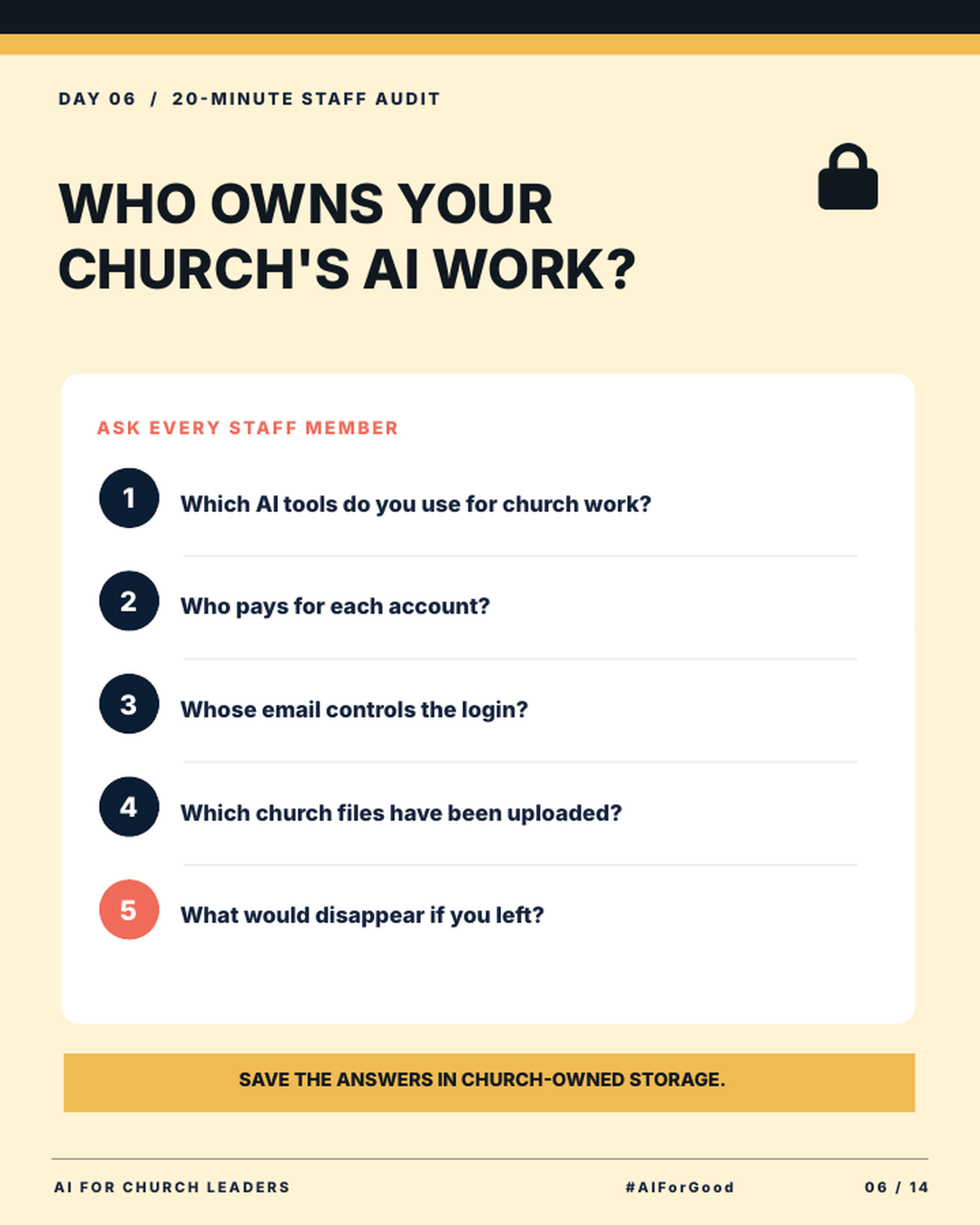
1. Which AI tools do you use for church work? List every tool by name. Include free tools and phone apps. Include tools someone tried once and still has a login for.
2. Who pays for each account? Write down whether the church pays, the staff member pays, or the account is free. A church card on the bill is a good sign.
3. Whose email controls the login? This is the most important question. If a personal email controls the login, that person controls the account. A church email keeps the account with the church.
4. Which church files have been uploaded? Ask about documents, spreadsheets, sermon notes, photos and member lists. You need to know what church information is stored inside each tool. Uploaded files can hold private details, which creates a real data privacy risk for your church.
5. What would disappear if you left? This question shows what the church would lose. Think of saved chats, prompt templates, custom setups and finished work. Anything on this list needs a backup in church storage.
How do you run the audit and save the answers?
Add the audit to your next staff meeting. Tell your team this is a records check. Make it clear no one is in trouble.
Share the 5 questions in a simple form or a shared document. Give each person about 15 minutes to answer. Use the last 5 minutes to answer questions and explain what happens next.
Staff who are not at the meeting can fill out the same form later. Set a deadline, such as the end of the week.
When the meeting ends, save the answers in church-owned storage. This is a folder or drive that belongs to a church account. Keep these answers out of personal accounts.
Pick one person to own this record. This could be an executive pastor or an operations leader. They keep it current as staff and tools change.
What should you do after the audit?
Review the answers with your leadership team. Look for 3 things: logins tied to personal emails, accounts paid for by staff, and church files stored in personal accounts.
Make a plan for each one. You might switch a login to a church email. You might set up a church-paid account. You might copy important prompts and files into church storage.
Then add an account rule to your church AI policy. If you do not have a policy yet, start with this free framework for writing a church AI policy.
Key terms to know
AI account. An AI account is the login a person uses to sign in to an AI tool and save their work.
Login email. The login email is the email address that controls an account. Whoever controls that email can reset the password.
Uploaded files. These are documents, images or spreadsheets someone added to an AI tool so it could read them.
Church-owned storage. This is a shared folder or drive that belongs to a church account and stays with the church when staff change.
Whoever controls the login email controls the account. Keep church work in accounts the church controls.
Try this this week
Put the audit on your next staff meeting agenda.
- Copy the 5 questions into a shared form or document.
- Create a folder in your church-owned storage for the answers.
- Give your staff 20 minutes in the meeting to fill it out.
- Ask one leader to review the answers within a week.
- List the accounts that need a church email or church payment.
Join AIforChurchLeaders.com to access the training library and courses that help you level up your AI skills and fluency for ministry.
Frequently asked questions
Can church staff use personal ChatGPT accounts for church work?
Your church decides this in its AI policy. A personal account means the staff member controls the work in it. Church-owned accounts keep church work with the church.
What happens to AI chats when a staff member leaves the church?
If the account uses that person's email, the person keeps it. The church will likely lose access to the chats and files inside. That is why the audit asks whose email controls each login.
Should our church pay for staff AI accounts?
Paying for accounts gives the church more control over them. It also helps you know which tools your team uses. Decide which tools to pay for when you write your approved tool list.
How often should we run an AI account audit?
Run it once now to get a clear picture. Then repeat it once or twice a year. Also run it when a staff member joins or leaves.
Is it safe to upload church files to AI tools?
That depends on what is in the file and which account you use. Keep private details about people out of AI tools unless your policy allows it. Your church AI policy should list what staff may upload.