The 5-Minute AI Daily Briefing
A Step-by-Step Claude Setup for Church Leaders
Start Every Morning Fully Oriented & Prepared
Get a step-by-step walkthrough to build your own intelligent AI daily briefing routine with Claude. Gather your inbox, calendar, project updates, and personal routines into a single morning summary before the day starts making demands.
GET THE COURSE FOR $39
Go From Scattered Tabs To Proactive Clarity
Most of us start the day with information spread across half a dozen apps. By the time you figure out what the day holds, an hour has passed, and you are already in reactive mode.
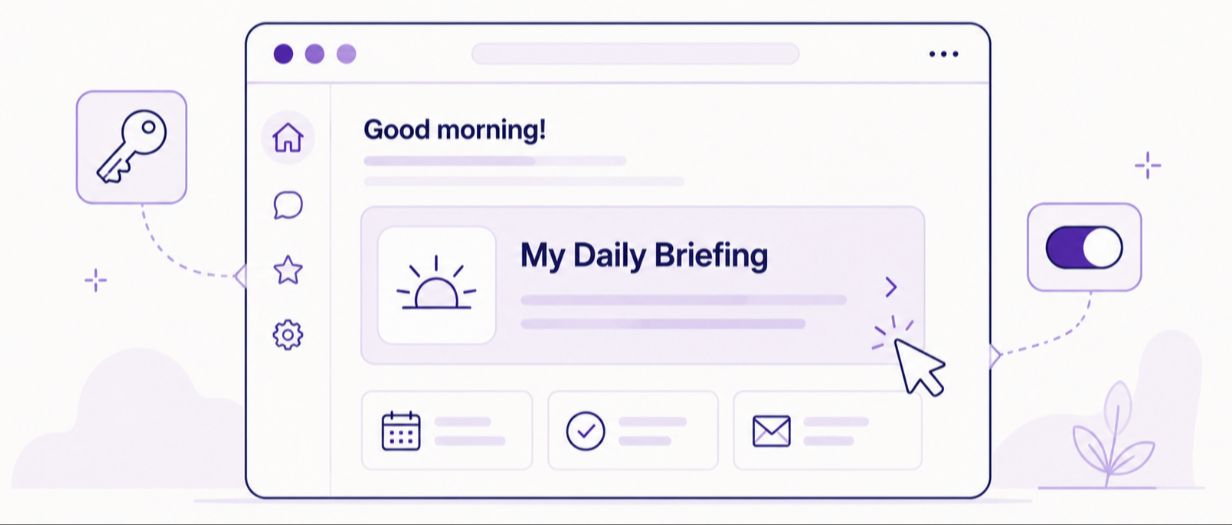
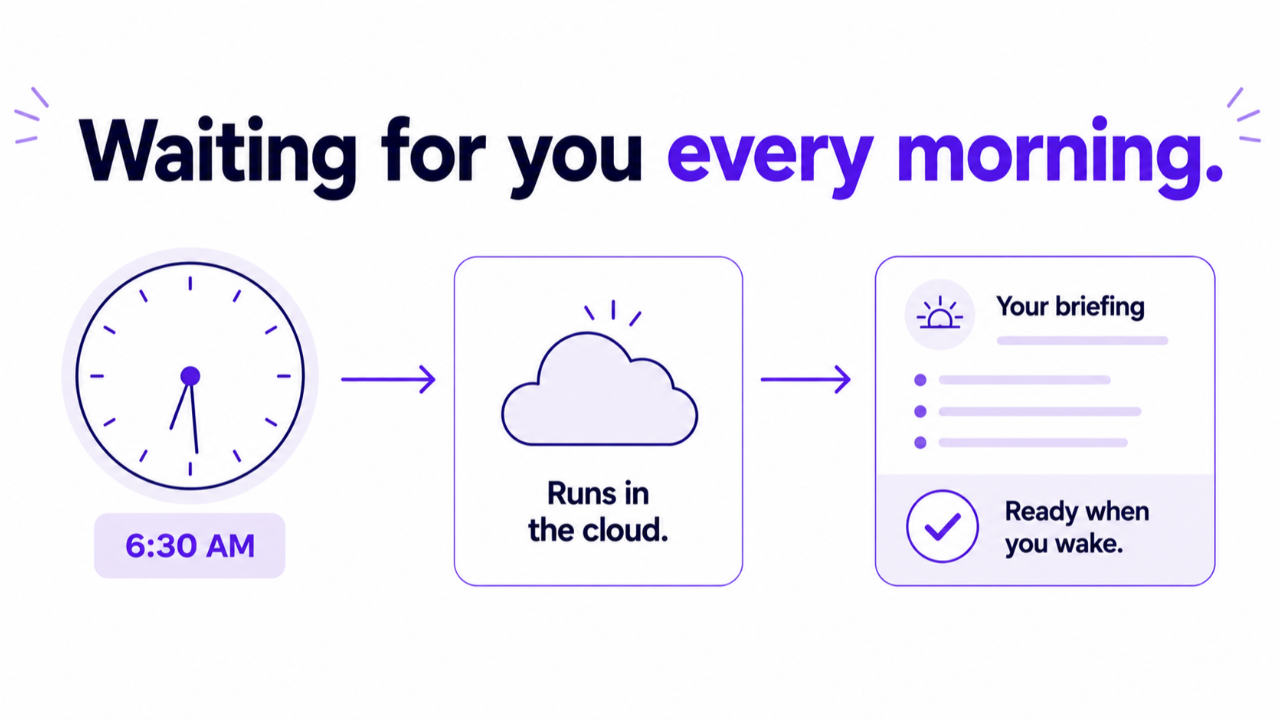
Building a daily briefing will change the trajectory of your morning. Instead of hunting down updates, you can run one simple routine inside Claude that pulls live information from your existing tools.
The result? You'll be able to scan a clean dashboard, spot the critical items, and step into your workday with total concentration.
A Simple Setup, Built Around Your Real Tools
Zero Coding Required
Every step is laid out in clear, easy instructions. You simply copy the provided templates and follow along.
Work With Your Existing Apps
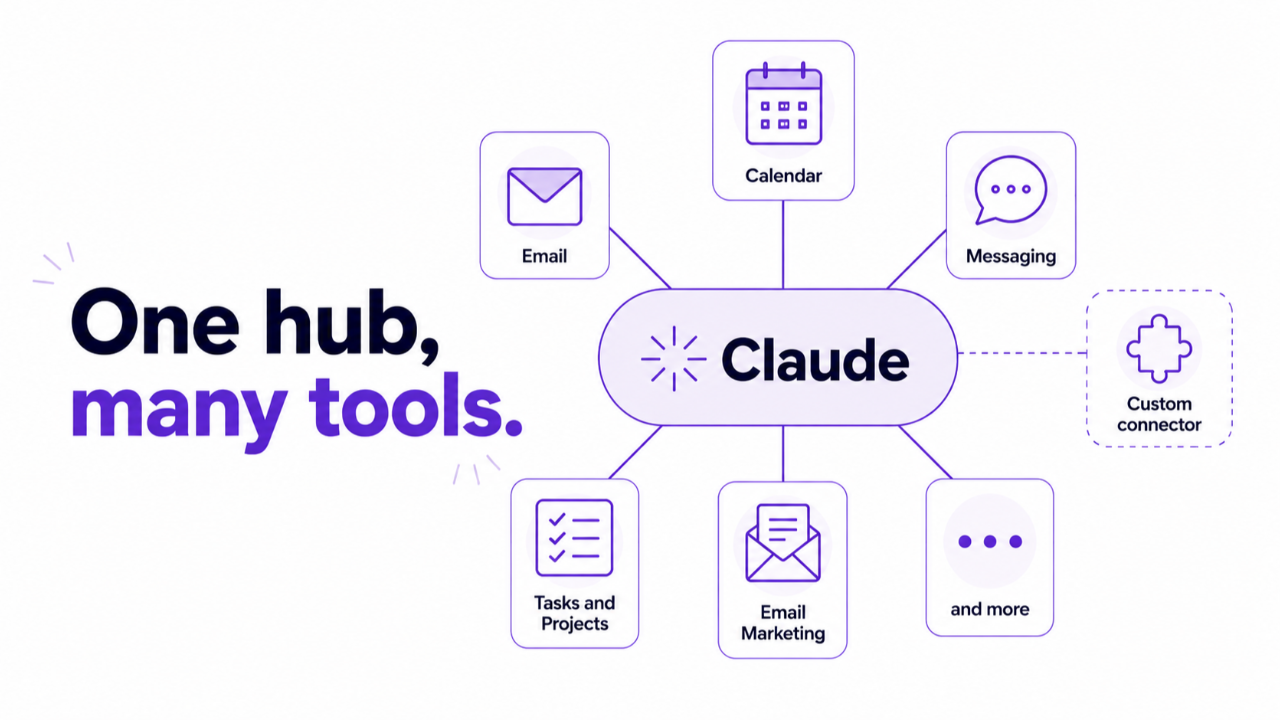
Connect Claude directly to Google Calendar, Outlook, Asana, ClickUp, Slack, or Gmail using official, permissioned access.
Built in Under an Hour
You can build the entire system in one sitting or work through the modules layer by layer over a few days.
Stop Relying On Scrambled Systems
Leaving your daily communication scattered across multiple platforms creates unnecessary friction. Important emails from board members get buried under general announcements, deadlines pass unnoticed until they become urgent fixes, and morning planning turns into an ongoing exercise in triage. Setting up a dedicated briefing keeps you focused on your ministry work instead of digital management.

Save Several Hours Everyday With Four Core Layers Of Clarity

The Personal Layer
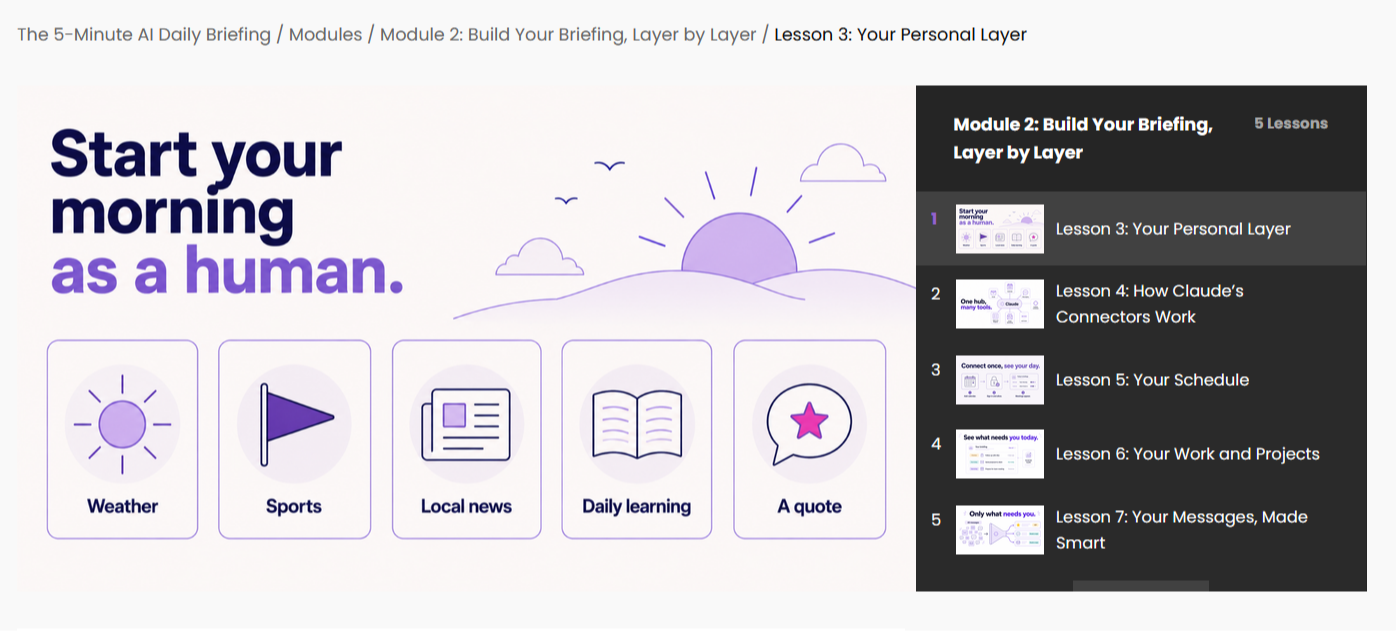
Start your day grounded before diving into logistics. Pull local weather, team scores, community news, and a daily learning habit (like a brief scripture reflection or vocabulary word).
The Schedule Layer
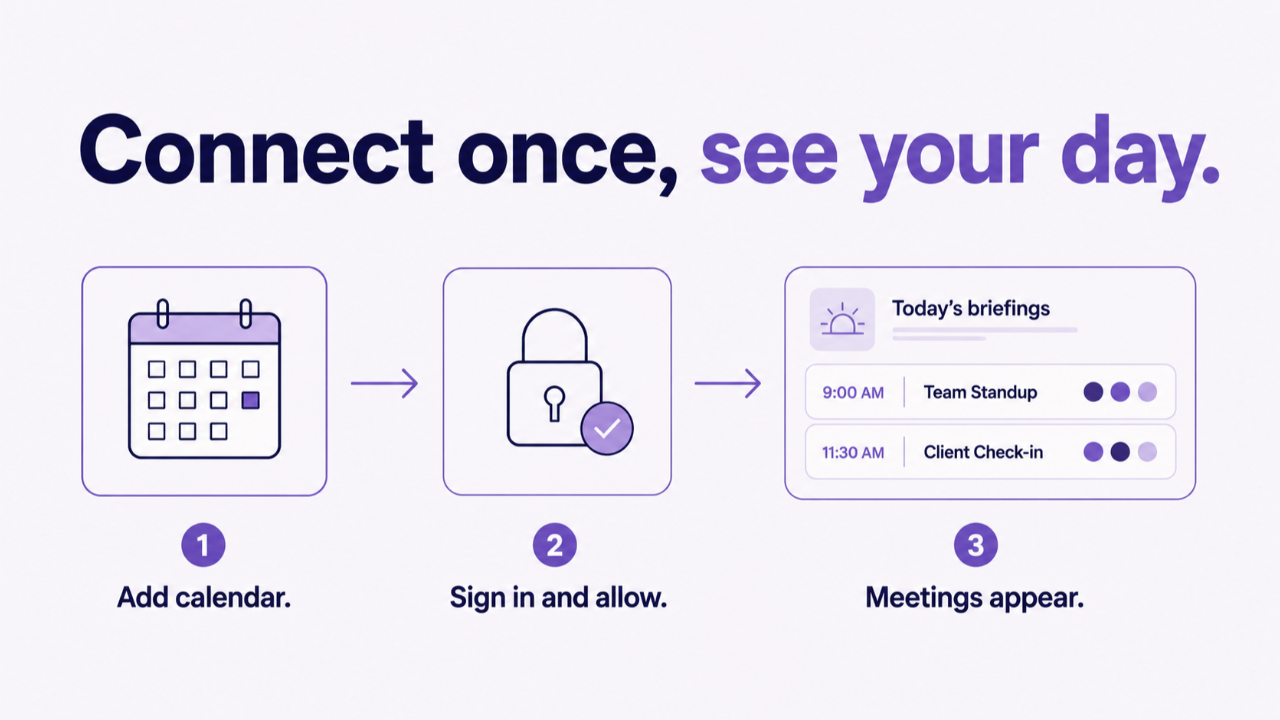
Link your primary calendar to view upcoming meetings for today and tomorrow. Automatically surface who is attending each session so you arrive fully prepared.

The Work and Projects Layer
Collect active items from your project management board. Organize your workload into clear lists for overdue tasks, items due today, and upcoming milestones.
The Smart Messages Layer
Scan your primary inbox and Slack channels for high-priority communication. Highlight messages from your designated VIP list, flag open loops, and generate direct links to the emails that require a response.
Reclaim Your Focus Every Morning
Having a consolidated briefing like this will hand back valuable time. You gain complete visibility over your calendar, eliminate the risk of missed tasks, and maintain control over your data through secure settings.
Never worry about a forgotten task, a buried board member email, or a missed meeting again.
📑Save several hours weekly by eliminating manual updates across multiple browser tabs.
🔍 Reduce email anxiety with smart filtering that highlights urgent correspondence.
🎞️ Approach every staff meeting, sermon prep block, and client call with complete situational awareness.
Start Today

Download the Course
Access course materials, grab your Briefing Worksheet, and open the lessons.

Learn at Your Own Pace, Setting Up as You Go
Work through the step-by-step modules on your own schedule, connecting your tools and building your layers gradually.

Take Back Control of Your Time
Run your finalized briefing each morning and step into your workday with absolute clarity.

Meet Kenny Jahng
Kenny Jahng is the Editor-in-Chief of ChurchTechToday.com and Founder of AIforChurchLeaders.com.
For over 20 years, he’s walked alongside pastors and ministry leaders, and has seen firsthand how the content treadmill keeps pastors and leaders from the work that matters most.
He gets it: You didn't go to seminary to become a content creator. You went because you were called to shepherd people, preach the gospel, and do face-to-face ministry.
He believes AI tools exist to free you from repetitive, time-consuming tasks so you can get back to your actual calling. And he loves teaching you how.
Practical SOP Design With Ready-to-Use Materials
- This training is structured as an on-demand, 11-lesson text course. Designed like clear standard operating procedures, each lesson includes visual diagrams and copy-paste prompt blocks.
- You also receive two downloadable companion tools: the Briefing Worksheet to track your settings and the Briefing Builder to assemble your final prompt automatically
Reclaim 5+ Hours a Week ⇒ Eliminate Inbox Anxiety ⇒ Lead with Steadiness