
ChatGPT vs Claude vs Gemini: Which Should Your Church Use?
Apr 23, 2026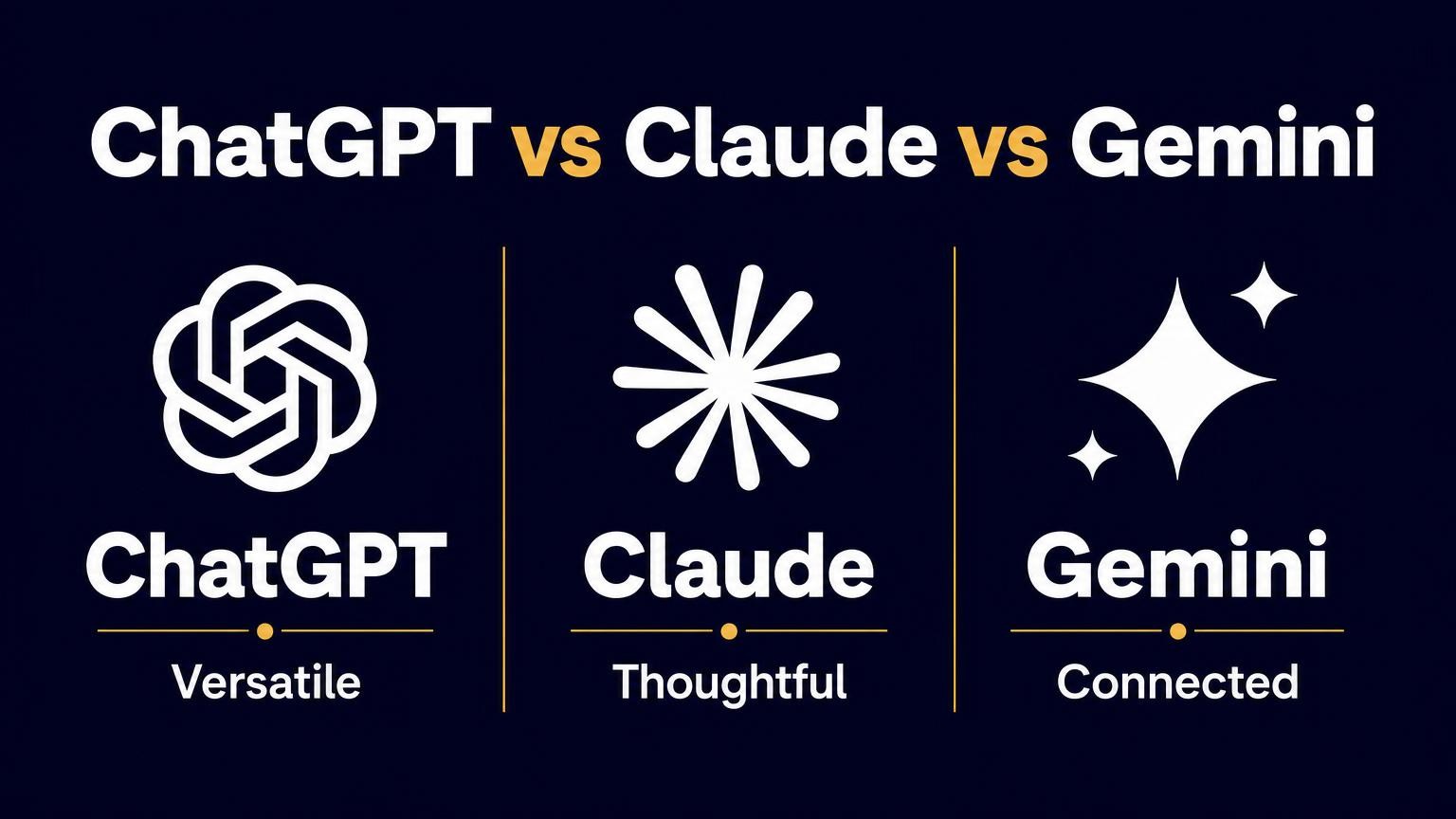
For most churches, all three of these tools will do the job. If you want the short answer: start with ChatGPT for the easiest on-ramp, choose Claude if you mostly write and work with long documents, and lean toward Gemini if your church already lives inside Google Workspace.
Here is how they differ in practice.
ChatGPT: The Easiest Place to Start
ChatGPT is the most familiar and the most forgiving. It is strong at general tasks, has the biggest library of how-to help online, and its custom GPTs let you build simple reusable tools for your team. For a staff taking its first steps, it is the safe default.
Claude: The Writer's Tool
Claude tends to produce warmer, more natural writing and handles long documents well, which makes it a favorite for newsletters, longer reports, and sermon-adjacent work. It feels different from ChatGPT at first, and that difference is the point.
Gemini: The Google Native
If your church runs on Gmail, Docs, and Drive, Gemini sits right inside those tools and pulls from what you already have. Not switching tabs is a real convenience, especially for admin work.
How to Actually Choose
Do not overthink it. Pick one, using the rule above, and learn it for a month before you compare. Leaders who bounce between three tools learn none of them. One tool you know well beats three you sampled.
Whatever you pick, the newest models keep raising the bar, so what you learn about prompting carries over when you switch.
Frequently Asked Questions
Which AI is best for churches? There is no single best. ChatGPT is easiest to start with, Claude is strongest for writing and long documents, and Gemini is best if you already use Google Workspace. Any of them handles church tasks well.
Should a church pay for ChatGPT, Claude, or Gemini? Start free. Move to a paid plan when you need longer context, private data handling, or team features. For many churches the free tiers cover the first few months.
Can I use more than one AI tool? Yes, once you know one well. Many teams keep two, one for writing and one that lives in their email and docs. Add the second only after the first feels natural.
Pick One This Week
Choose one and give it a month of real use. To see these tools run actual church tasks side by side, the ChatGPT for Churches course walks through the workflows.