
Claude Has 5 Effort Settings. Here’s Which One Pastors Should Use for Each Job.
Oct 09, 2026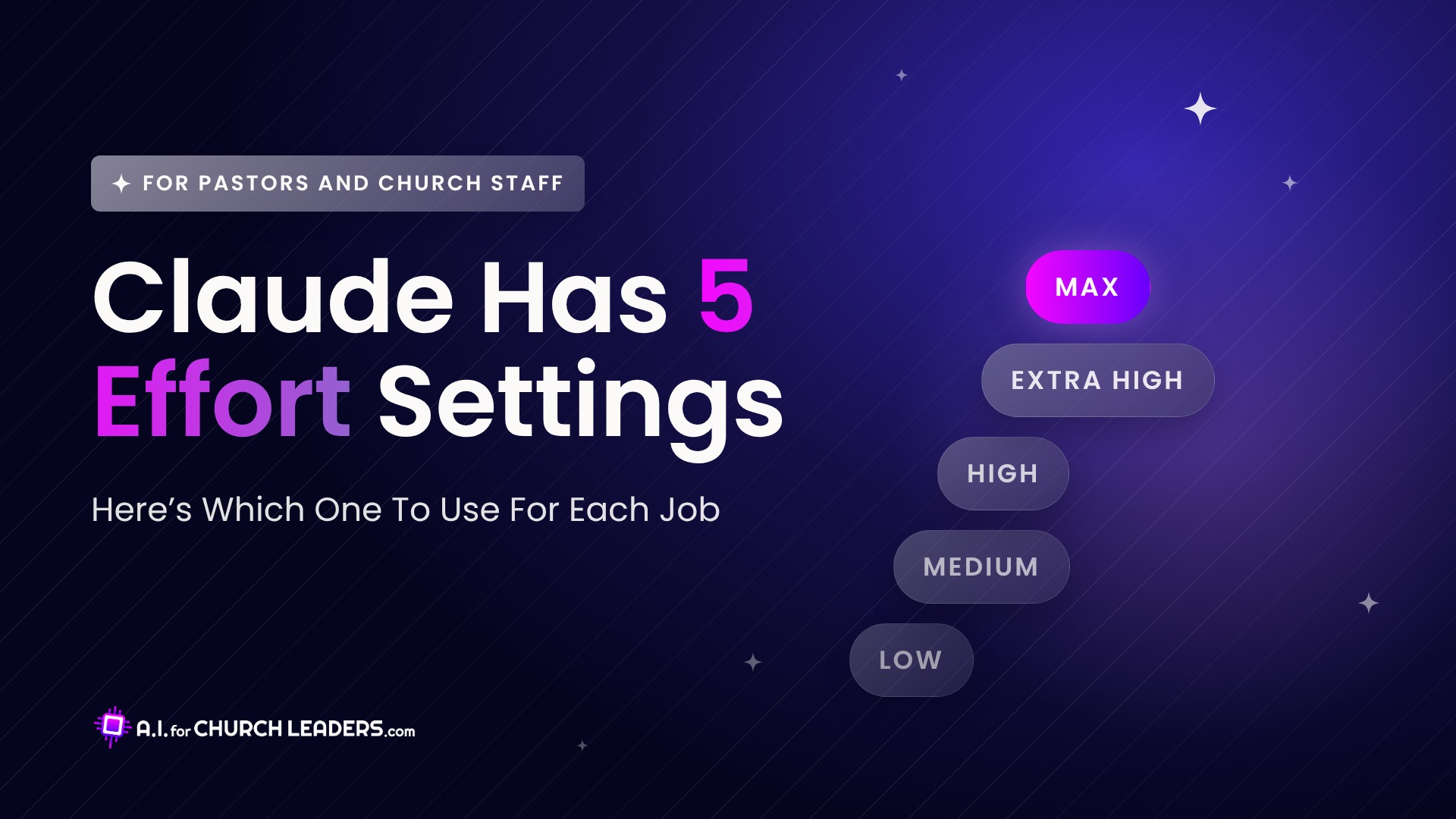
You’ve probably seen the word “Effort” in Claude’s model menu. Maybe you left it alone. Maybe you turned it all the way up because more sounded better.
It’s worth 5 minutes to learn what it does. The right level gets simple jobs done fast and gives hard jobs the extra time they need.
This guide walks through all 5 levels with church examples, so you can match each one to the work on your desk.
What the Effort Setting Changes
Effort sets how much work Claude puts into each reply.
Anthropic explains that it covers more than thinking time. It also changes how much Claude reads, how much it double-checks, and how far it goes on a multi-step task before it checks back with you.
At lower effort, Claude is more likely to stop and ask you for details. Each step up adds more reading and checking before Claude answers.
The levels you see depend on which Claude model you pick.
Where to Find It in the Claude App
Click the model name next to the send button. Then click Effort and choose a level.
One level is marked Default. Anthropic’s help center says that’s the level it recommends for that model.
If you’re new to Claude, our ChatGPT vs Claude vs Gemini comparison is a good place to start.
Start With the Default
Anthropic’s own advice is to use the default for most tasks.
It suggests you treat effort as a general preference for the kind of work you do. Then adjust it when a task clearly needs more or less.
The newer models do well at their defaults. Anthropic says Opus 5.5 at medium matches or beats Opus 5 at high on its coding and knowledge-work tests.
The 5 Levels, Matched to Church Work
Anthropic posted a simple guide to the 5 levels. Here it is with examples from a church office.
Low: When You Already Know the Plan
Anthropic says to use low for changes you could describe in one sentence.
At church, that’s rewording an announcement or fixing typos in the bulletin. Low is fast and easy on your plan, and it works well when you’ll read the result and tweak it yourself.
Medium: Everyday Staff Work
Anthropic’s guide says to start here “for most tasks where you know what you’re building toward.”
That covers a lot of everyday staff work, like drafting the volunteer email or summarizing a staff meeting from your notes. If you’re unsure which level to pick, pick medium.
High: When Medium Stalls
Try high when a medium answer comes back thin or skips part of what you asked for.
At high, Claude spends more time thinking on each step. That helps it catch details medium misses, like a policy draft that has to line up with your existing staff handbook.
Extra High: When High Still Can’t Get There
Extra high sits between high and max. Claude thinks even harder.
Anthropic’s advice is to switch that one task to the Fable 5.1 model if Claude still runs into problems at extra high. A good example is a long job like turning a year of meeting notes into one ministry plan.
Check your plan before you switch. Fable 5.1 is part of Max plans and premium Team seats. On Pro plans and standard Team seats, it runs on pay-as-you-go usage credits.
For more on Fable, read Claude Fable 5 for Churches: What Pastors Need to Know.
Max: Save It for Your Hardest Task
Max is the most thorough level. Anthropic says max isn’t available as a standing default, so turn it on for one difficult task and then lower it again.
Anthropic’s docs also warn that max can give diminishing returns and overthink a task. Test it on real work before you rely on it.
When Claude Misses, Check Your Prompt First
When Claude gets something wrong, Anthropic says your first step is to look at what you gave it. Check whether your request was clear and whether Claude had the documents it needed.
If your prompt was solid, look at how Claude missed.
If Claude skipped part of the job or didn’t double-check its work, raise the effort level.
If Claude had every detail, clearly tried, and still got it wrong, switch to a more capable model.
What Higher Effort Costs
Higher effort takes longer and uses more of your plan.
Anthropic’s help center says higher effort uses more tokens, so you’ll reach your usage limits faster. It also says low and medium work well for routine tasks and stretch your usage further.
For a church on a Pro plan, that’s a real budget question. Save the higher levels for work that needs them.
A Simple Rule for Your Staff
Your team doesn’t need a long policy for this. Share this at your next staff meeting:
Start on the default. Drop to low for quick edits. Raise effort when Claude skips part of the job. Ask before you switch to Fable on a Pro plan.
Frequently Asked Questions
Does higher effort mean better answers?
Only on tasks that need the extra work. Anthropic says Claude generally won’t pad simple tasks at higher effort, and its docs warn that max can overthink. For routine church work, the default or medium is usually enough.
Is effort the same as extended thinking?
They’re separate settings in the Claude app. Effort sets how thorough Claude is. The thinking setting controls whether Claude works through its reasoning in a section you can expand before it answers. On some newer models, such as Claude Opus 5, thinking stays on and can’t be turned off.
Can I change the effort level in the middle of a chat?
Yes. Anthropic says you can change it at any point in a conversation, and the new level applies starting with Claude’s next reply.
Learn Claude With Other Church Leaders
Effort settings are one small part of using Claude well. If you want help with the rest, join the All-Access Membership.
You get a new workshop or tutorial every month, built for pastors and church staff.